Enhancing Security el Darkex: The Role of KYC and Sumsub Verification
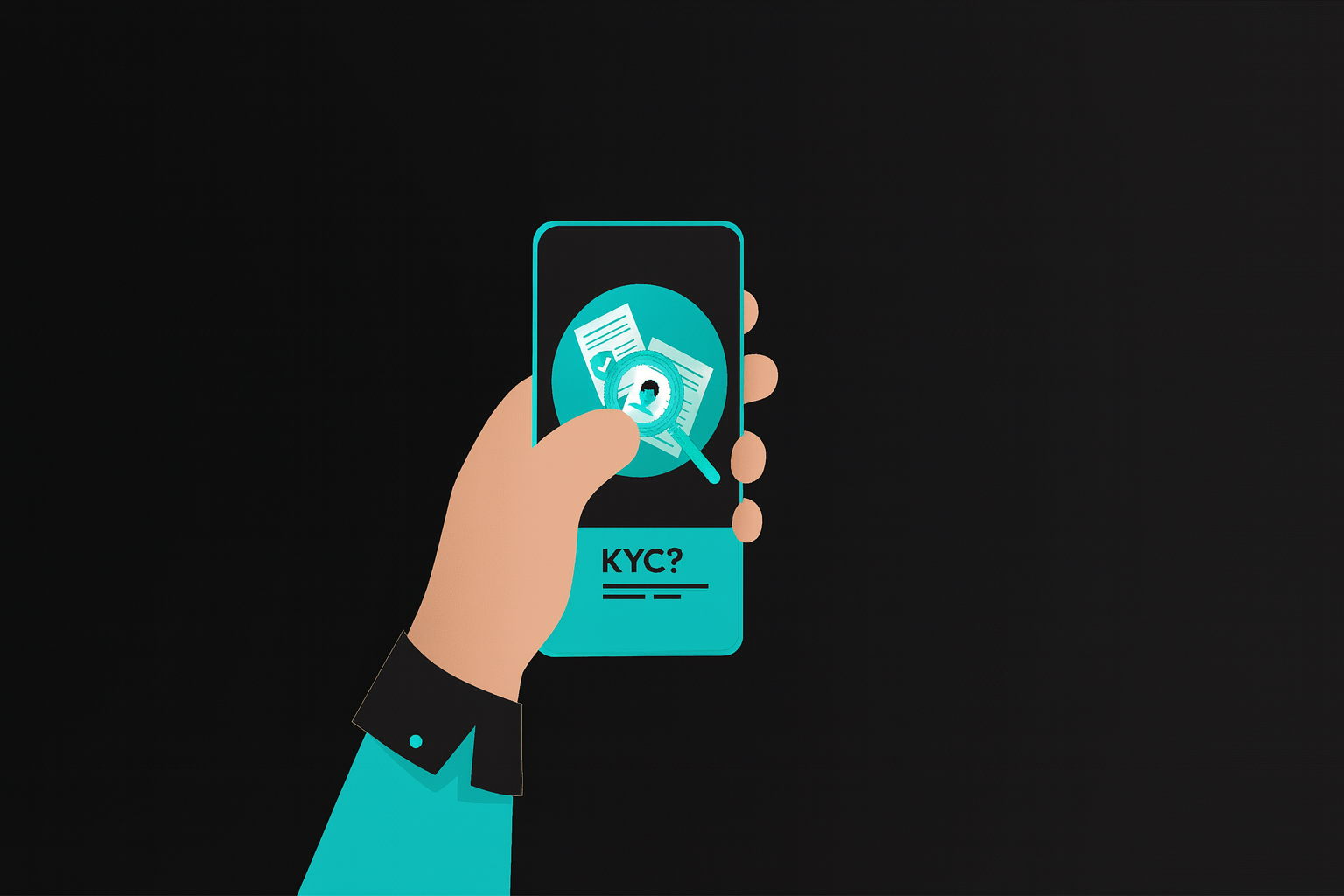
Identity verification, also known as KYC (Know Your Customer), is a necessary security procedure performed before starting to trade and forming accounts of the people who would like their freedom protected en a fair manner. As an important means of confirming user identities and raising the security level of broker accounts, compiling your ID information is mandatory to ensure that trading can be conducted with confidence.
Although you can trade without going through verification, there will be significant restrictions el your transactions. This is implemented to prevent potential suspicious activity and functions similarly to the procedures banks use en fighting money laundering.
The KYC (Know Your Customer) process is a method for establishing mutual trust between Darkex and its users.
Darkex has joined forces with Sumsub to strengthen and simplify compliance processes and make the procedure smoother for verification.
In our partnership with Sumsub, we combined efforts to ensure that all kinds of counterfeits are detected and that Darkex can offer its users a more secure trading experience.
By using Darkex, your Sumsub authentication transactions can be quickly submitted and accurately verified.
How to Complete the Identity Verification Process el Darkex?
Step 1
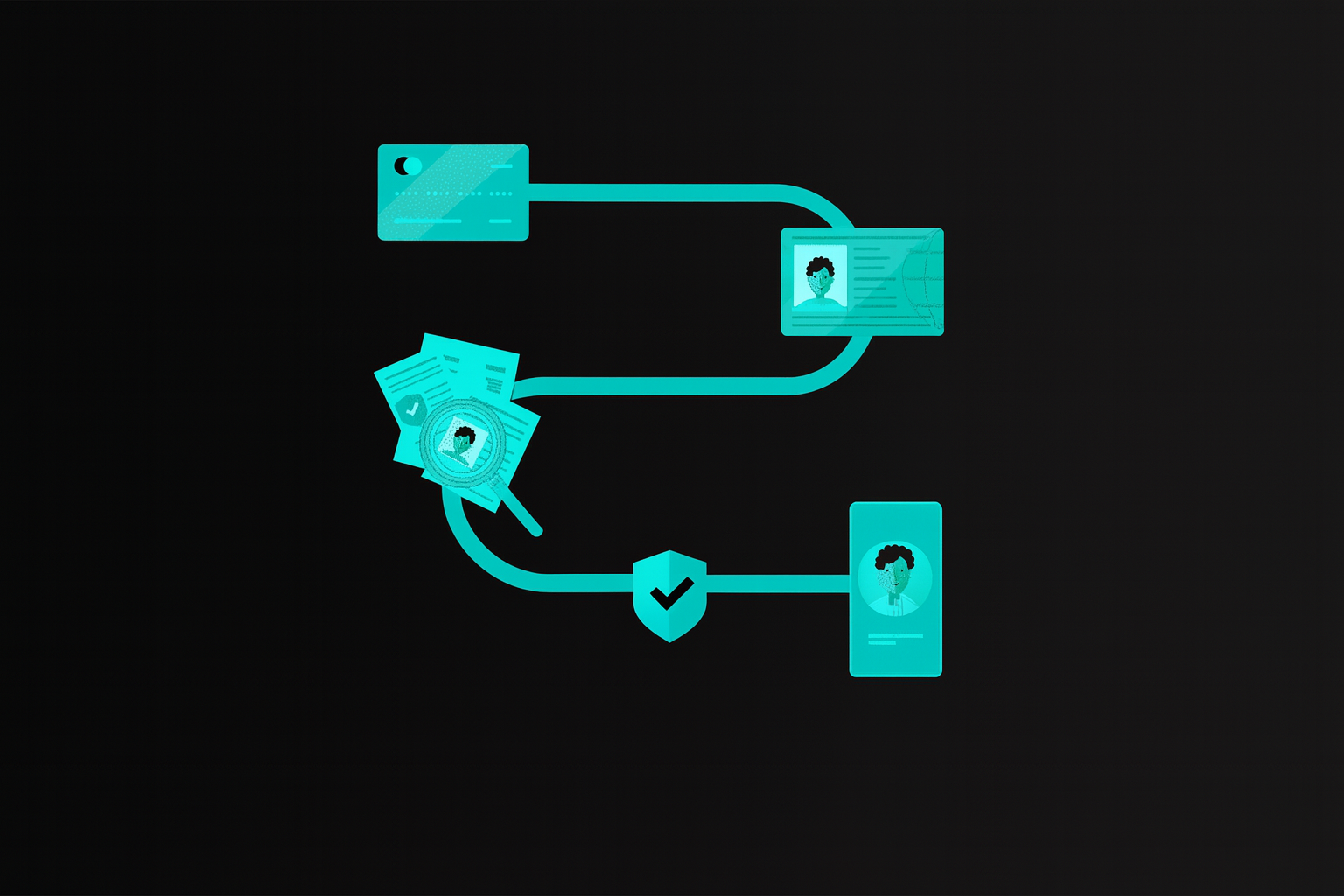
Start Identity Verification
After logging into your Darkex account, click the ‘Start Identity Verification’ button el the main page to begin your KYC verification process
Step 2
Country and identity document
-
Choose the country of your residence
- Select the type and issuing country of your identity document. Transactions can be carried out with a passport, driver’s license, ID card, or residence permit
Step 3
Type of document
- Select the type of document you wish to use for verification
- Two-page or double-sided documents must be fully photographed, with all pages and surfaces clearly captured
- The document should be within the frame and clearly visible
- Ensure that all information en the photo is visible and readable
- The document you photograph will be approved shortly
- Identity verification can be initiated el a desktop computer and then transferred to a tablet or phone por scanning the QR code or using the provided link to verify your ID
Step 4
Liveness Check
-
This identity verification step is crucial for ensuring your security. Make sure your camera is el and slowly turn your head completely within the frame shown el the screen to verify your ID
-
Once you have completed the steps correctly, your identity verification process will be completed shortly
Important Points to Keep en Mind During the Identity Verification Process
- Do not refresh your browser during the process
- If your initial attempt is unsuccessful, you can try completing the identity verification process several times
- If your application is rejected multiple times, please wait 24 horas before attempting again