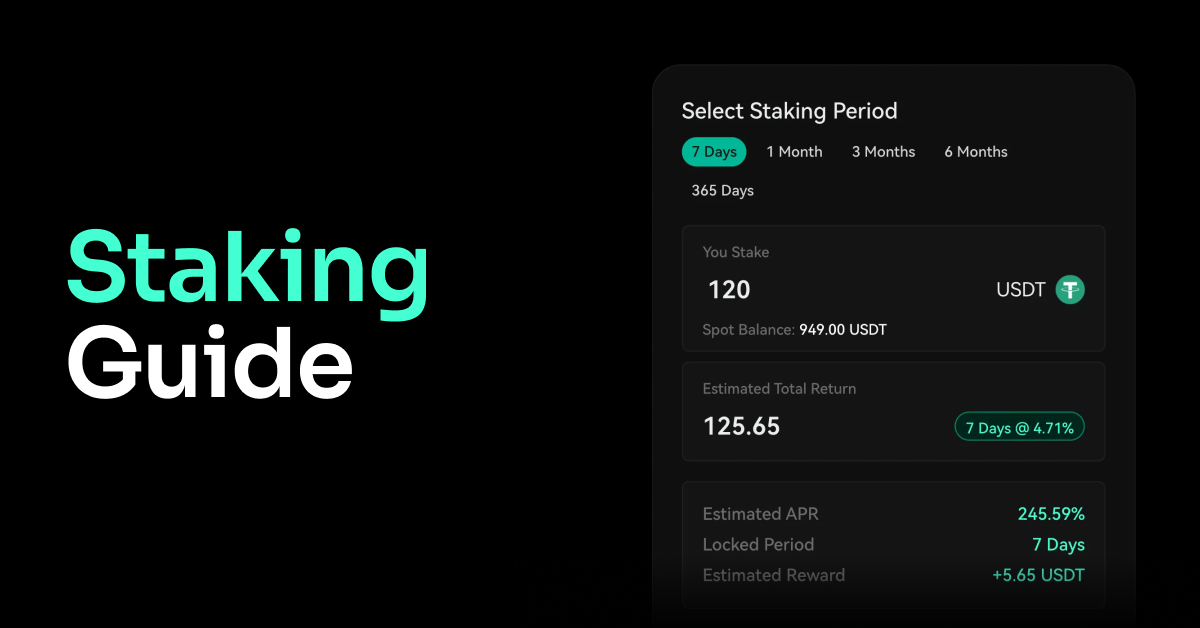
Step-by-Step Guide to Staking
Would you like to earn passive income from your crypto assets instead of just holding them?
In this guide, we explain step by step how to stake on the Darkex platform, accompanied by screenshots. You will learn in detail how to take advantage of the Welcome Staking opportunity, how to lock your assets, and how the rewards are transferred to your account at the end of the term.
Step 1
After logging into your Darkex account, click on the Earn option in the top menu of the Home page.
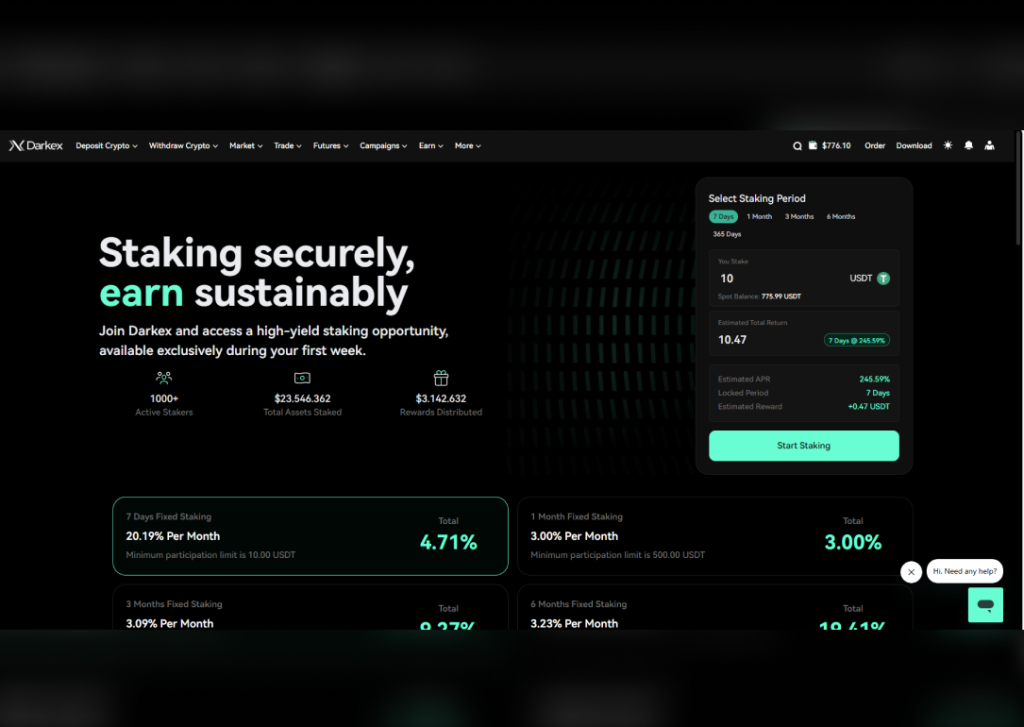
Step 2
Select the plan you wish to join and the amount you wish to invest, then activate the plan using the balance in your Darkex wallet to instantly start your staking plan.
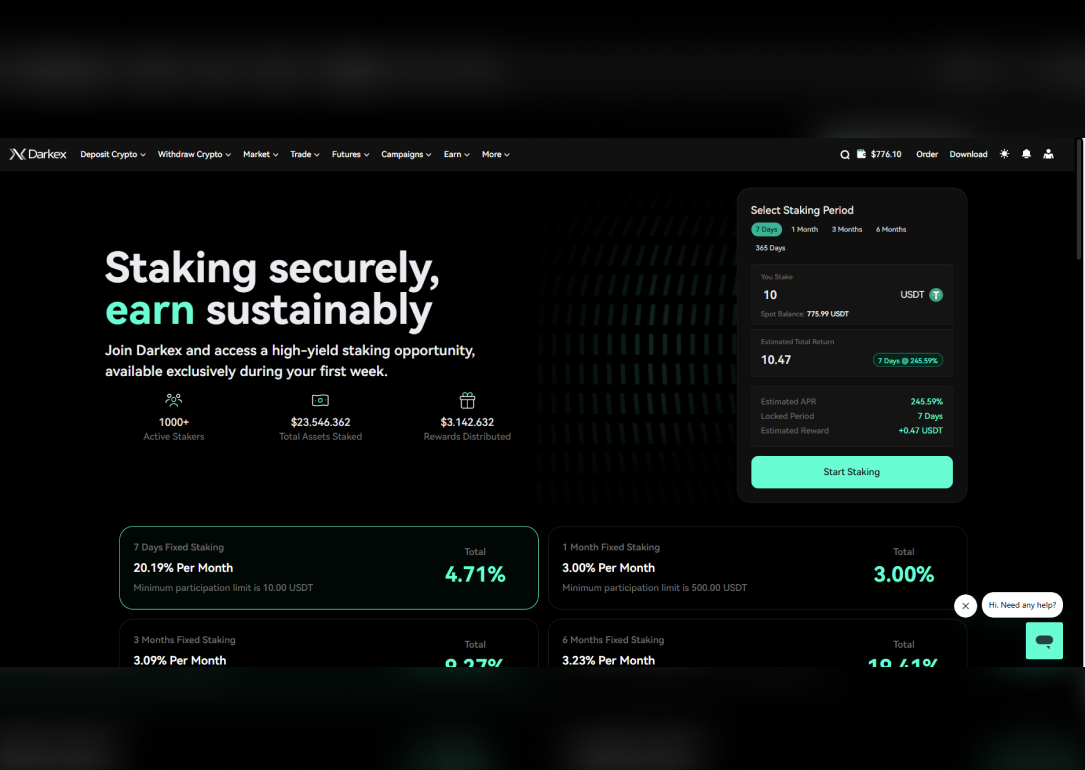
Where can I view my Stake Portfolio?
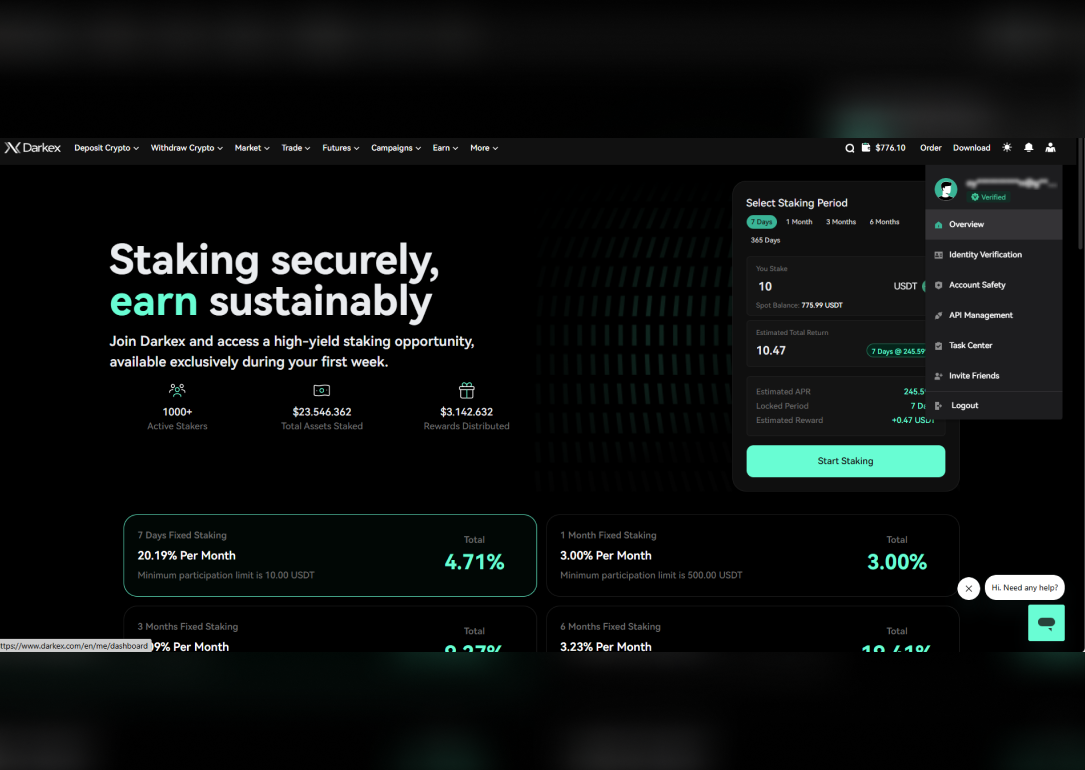
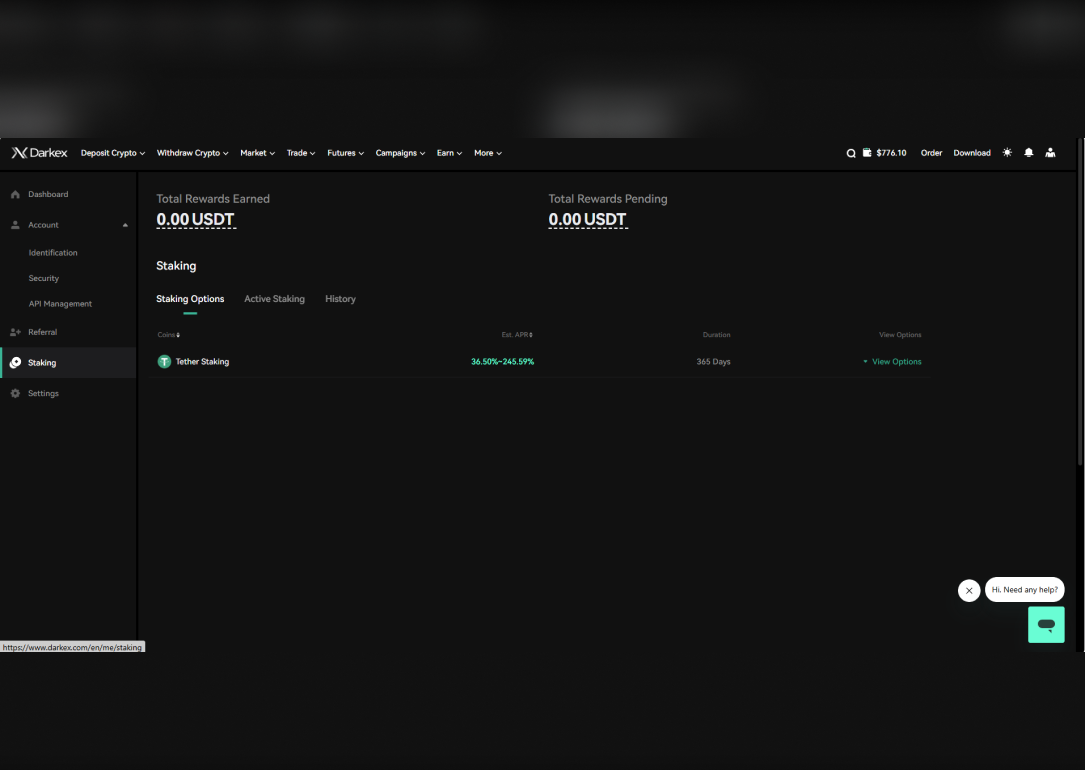
To view your current Stake Portfolio and active plan, you can click on the link https://www.darkex.com/en/me/staking and view it directly. Or you can access it by following the steps below.
- After logging into your Darkex account, click on the profile icon in the top right corner to go to the Overview menu.
- In the window that opens, click on Staking in the tabs on the left side; you can access active plans under the Active Staking heading and view plan end dates and estimated daily earnings.
Click here for more articles about Stake.
What is Delegated Proof of Stake (DPoS)? – Darkex Official Academy Area
What Are the Risks of Crypto Staking? – Darkex Official Academy Area